Most teams I meet don't have a content pipeline problem, they have a copy-paste problem. Someone writes a brief in a project management tool like ClickUp, Monday.com or Wrike, exports it to a spreadsheet, emails it to a designer, downloads the finished asset, uploads it to the CMS, then pastes the same metadata into four different places. Every one of those steps is a chance for a version mismatch, a lost file, or a typo that makes it to production.
A content pipeline automates those handovers. The brief stays in one system, the asset moves when it's approved, the metadata follows the file, and publishing is a trigger, not a chore. It's the same thinking I use for automation pipelines at scale, just applied to the content operation itself.
What content pipeline automation actually means
A pipeline is a defined path with handoffs. Content pipeline automation means every handoff in that path is triggered by the previous step finishing, rather than by a human remembering to do it.
The pieces are usually the same regardless of the business:
- A source of truth for the work (project tool, brief, spreadsheet)
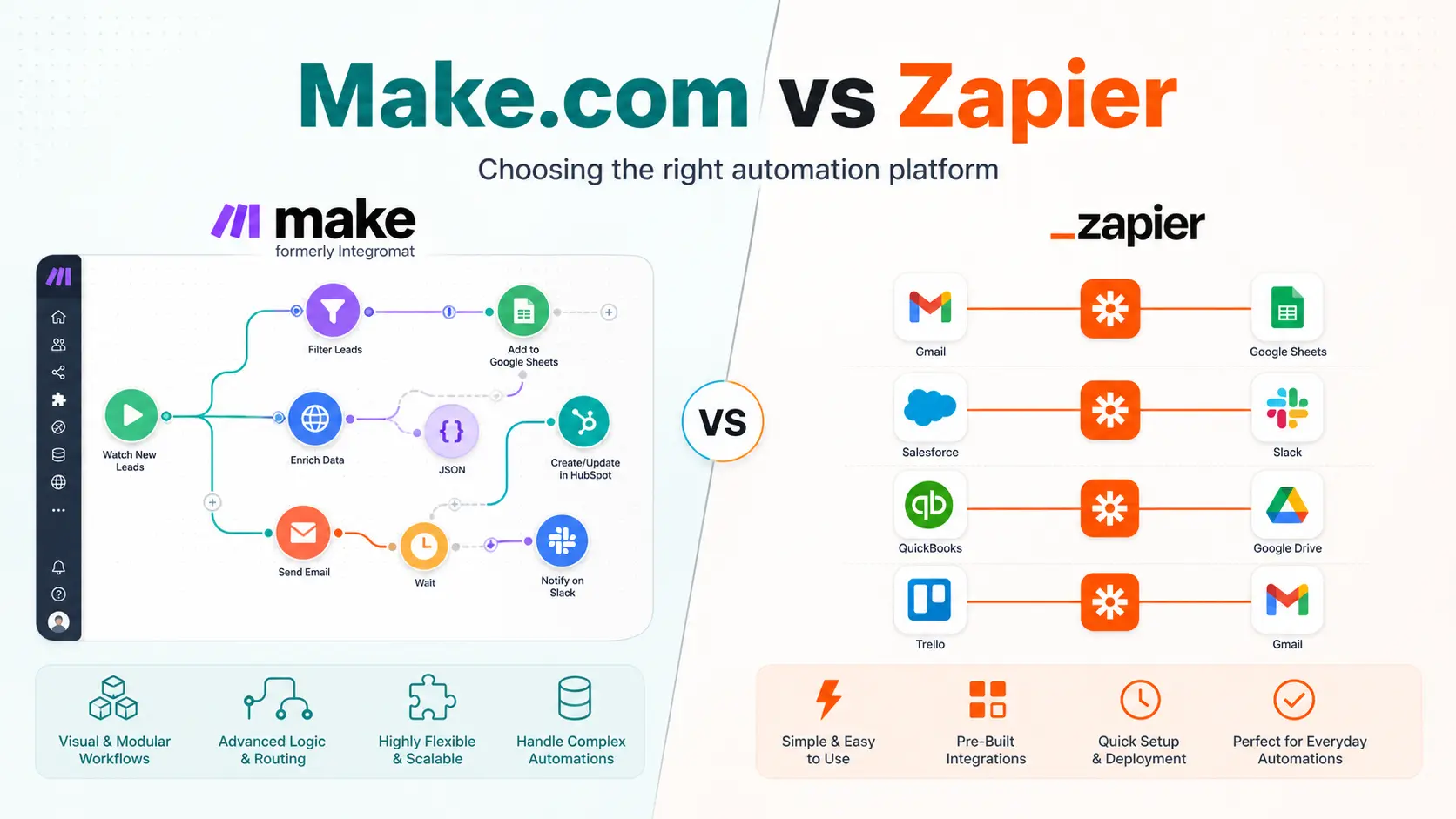
- A workflow engine that watches for changes (Make.com OpenCode ClickUp, Zapier, n8n or a custom agent)
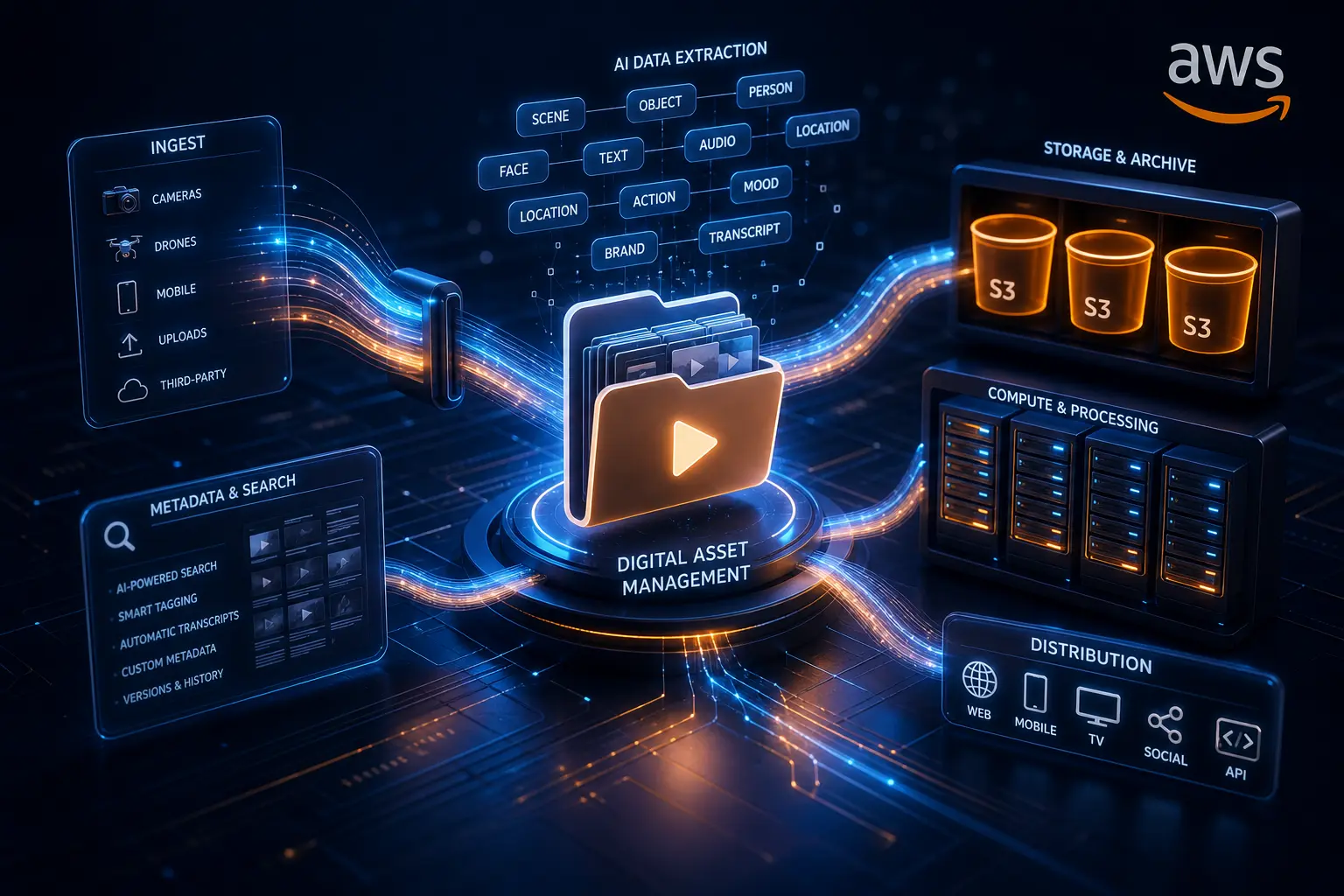
- A storage layer the assets actually live in (cloud storage, DAM, CMS)
- A publishing destination (website, social channels, client portal)
- A log of what moved, when, and who approved it
The value shows up in three places. First, speed. A piece of content that used to take two days of nudging moves in the time it takes the approval to land. Second, consistency. The same metadata rules apply every time, so nothing gets published with the wrong title or a missing asset. Third, visibility. When every step is logged, you can see exactly where work stalls instead of guessing from the Slack messages.
Where the automation should stop
The best pipelines have human checkpoints, they just don't have human data-entry points.
Automate the movement, the formatting, the tagging, and the publishing. Keep the judgement: which brief gets greenlit, whether the tone is right, and whether the finished asset actually answers the brief. I wrote about the difference between AI and automation in more depth recently (AI vs automation), but the short version is this. If the answer is already known, automate it. If it needs interpretation, that's where a person (or an AI that can genuinely judge) belongs.
In practice that means the pipeline drafts, routes, and schedules, and the human approves. The approval is the only manual step that matters.
The pipeline drafts, routes, and schedules. The human approves. The approval is the only manual step that matters.
The version that doesn't hold up
The most common failure I see is a pipeline built around one person's workflow. It works while they're there, and the moment they take leave or move teams, it breaks, because the logic lived in their head and their inbox.
The version that holds up has three properties:
- The rules are visible. Anyone can open the workflow and see what triggers what.
- The states are explicit. A piece of content is always in a known state: draft, review, approved, published.
- The failure modes are designed for. If the engine stops, there's a clear next step, not silence.
That last one matters more than people think. An automation that fails loudly is fixable. An automation that fails quietly just becomes a slower manual process with extra steps.
What this looks like in a real stack
I've built versions of this with Make.com as the engine, a spreadsheet or project management tool like ClickUp, Monday.com or Asana as the source of truth, and cloud storage as the asset layer. The pattern is the same one I use for the ETL work in my dashboards: pull the change, transform it into the shape the next system expects, push it through. The difference is the output is content, not a dashboard.
If you're already running automations, the cheapest win is usually to stop exporting. Look at where a file or a row of data crosses a system boundary by hand, and make that the first handoff you automate. The Make.com vs Zapier post covers the tooling choice if you're deciding where to build it.
Is content pipeline automation worth it for a small team?
Yes, but start narrow. Automate one path end to end before you touch a second one. A single working pipeline beats three half-built ones, and it gives you a template you can copy for the next path.
Frequently asked questions
How much does content pipeline automation cost to set up?
It depends on the tools you already have. If you're on a workflow platform like Make.com or Zapier, the marginal cost is usually your existing subscription plus some setup time. The expensive version is when the source systems don't talk to anything, and you're paying for custom integration work to make them behave.
Do I need AI for a content pipeline?
No. Most content pipeline automation is plain automation, moving data between tools on a trigger. AI earns its place in the parts that need judgement, like summarising a brief into a brief for the designer, or drafting a variation of an approved asset. Start with the movement, add the AI where it genuinely helps.
What's the difference between a content pipeline and a DAM?
A Digital Asset Management system stores and organises finished assets. A content pipeline is the full path from brief to published, and it usually routes through a DAM (or storage layer) as one stop along the way. My automating media pipelines post explains the DAM side in detail.
Stop moving content between tools by hand. Build the pipeline once, and let the handovers run themselves.